
Affiliate Marketing Assets
High-converting banners and creatives for your website and social media.
Leaderboard Banners (728x90)
Time Savings Hook
728 x 90

Professionalism Hook
728 x 90
Inventory Hook
728 x 90
24/7 Ordering Hook
728 x 90
Medium Rectangles (300x250)

Time Savings
300 x 250

Growth Hook
300 x 250

Automation Hook
300 x 250
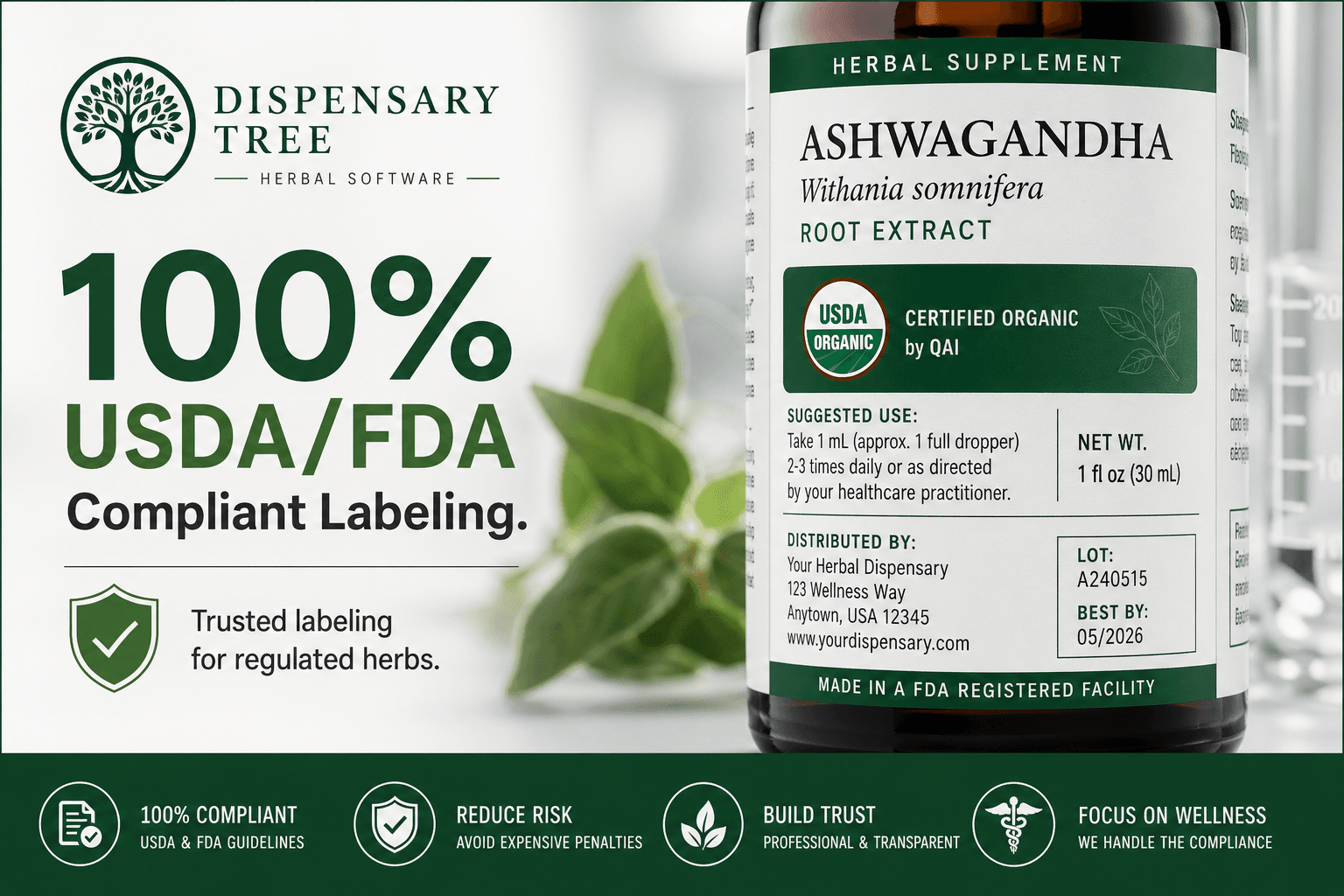
Compliance Hook
300 x 250
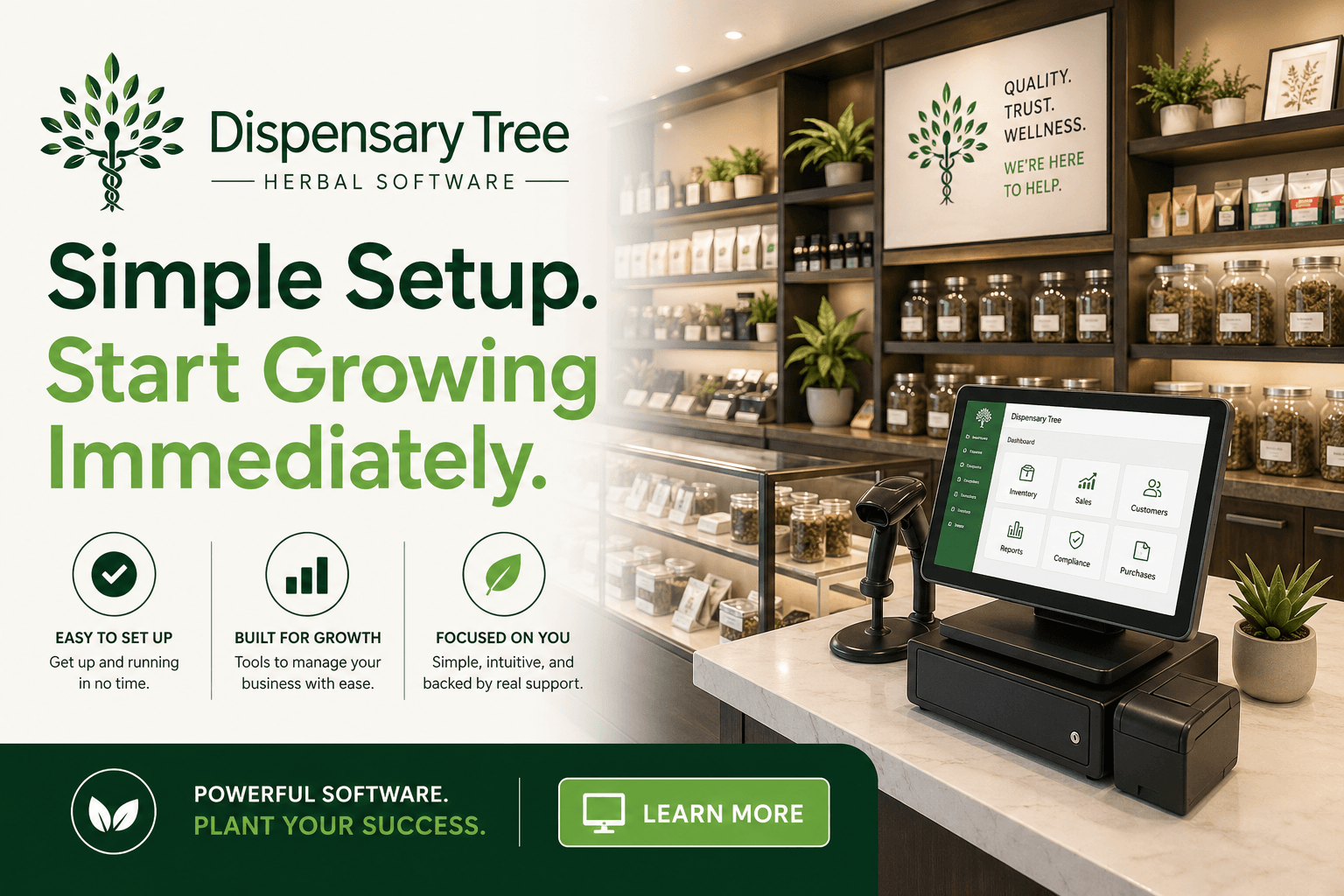
Ease of Use Hook
300 x 250
Large Rectangles (336x280)
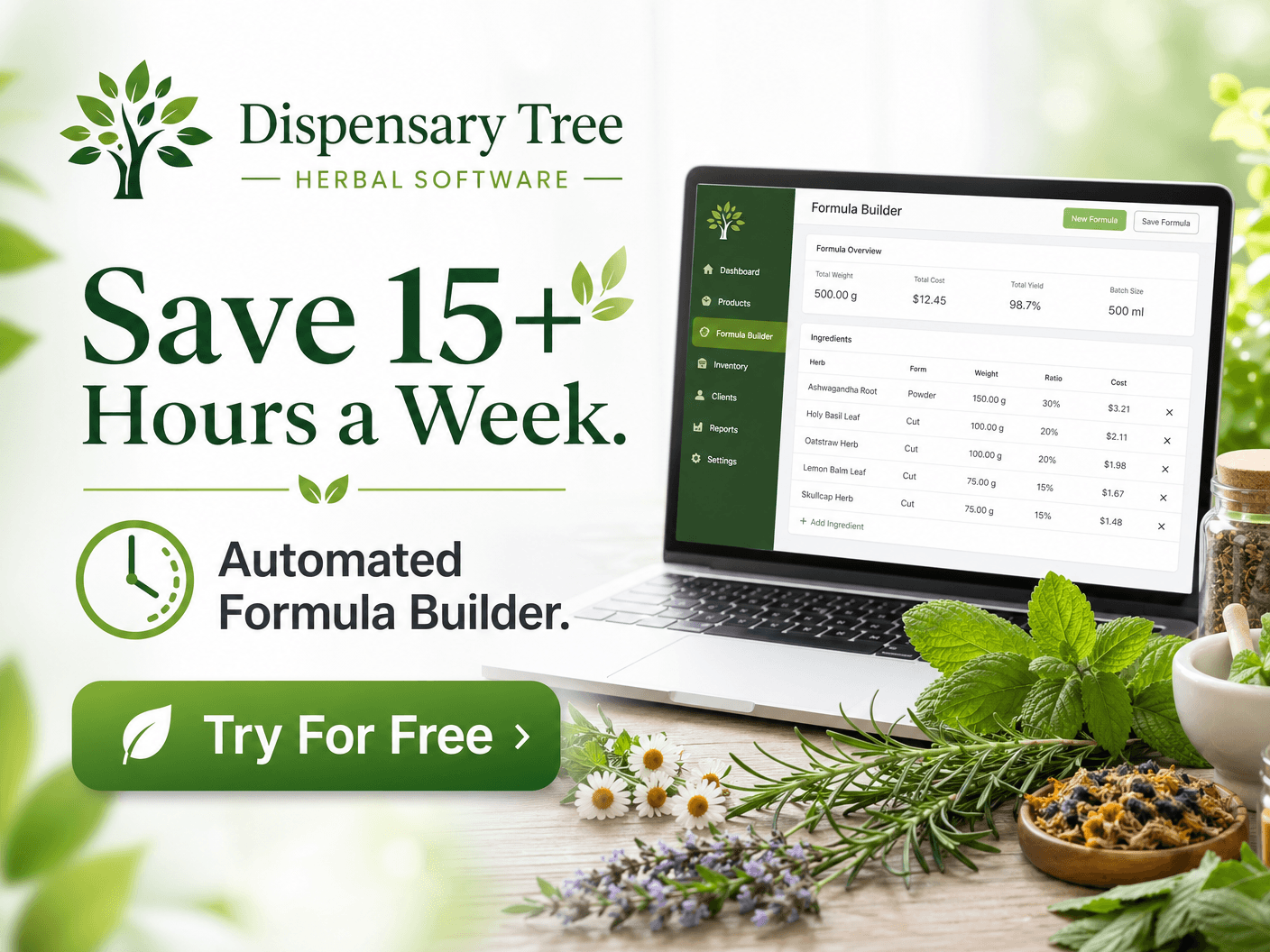
Time Savings
336 x 280

Trust Hook
336 x 280
Skyscraper Banners (160x600)

Original Design
160 x 600
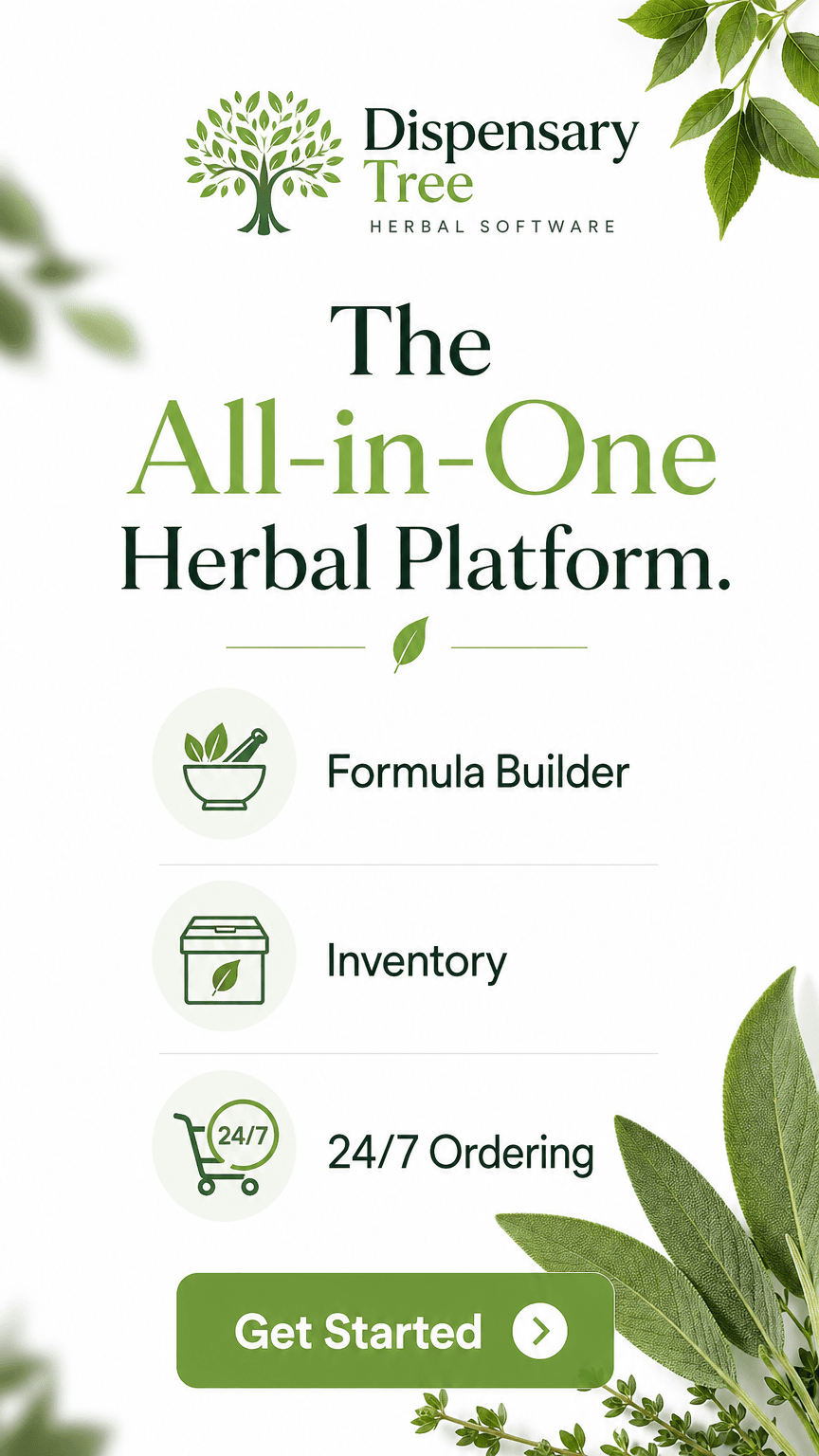
All-in-One Platform
160 x 600

Core Features
160 x 600
Square Social Creatives (1080x1080)

Time Savings
1080 x 1080
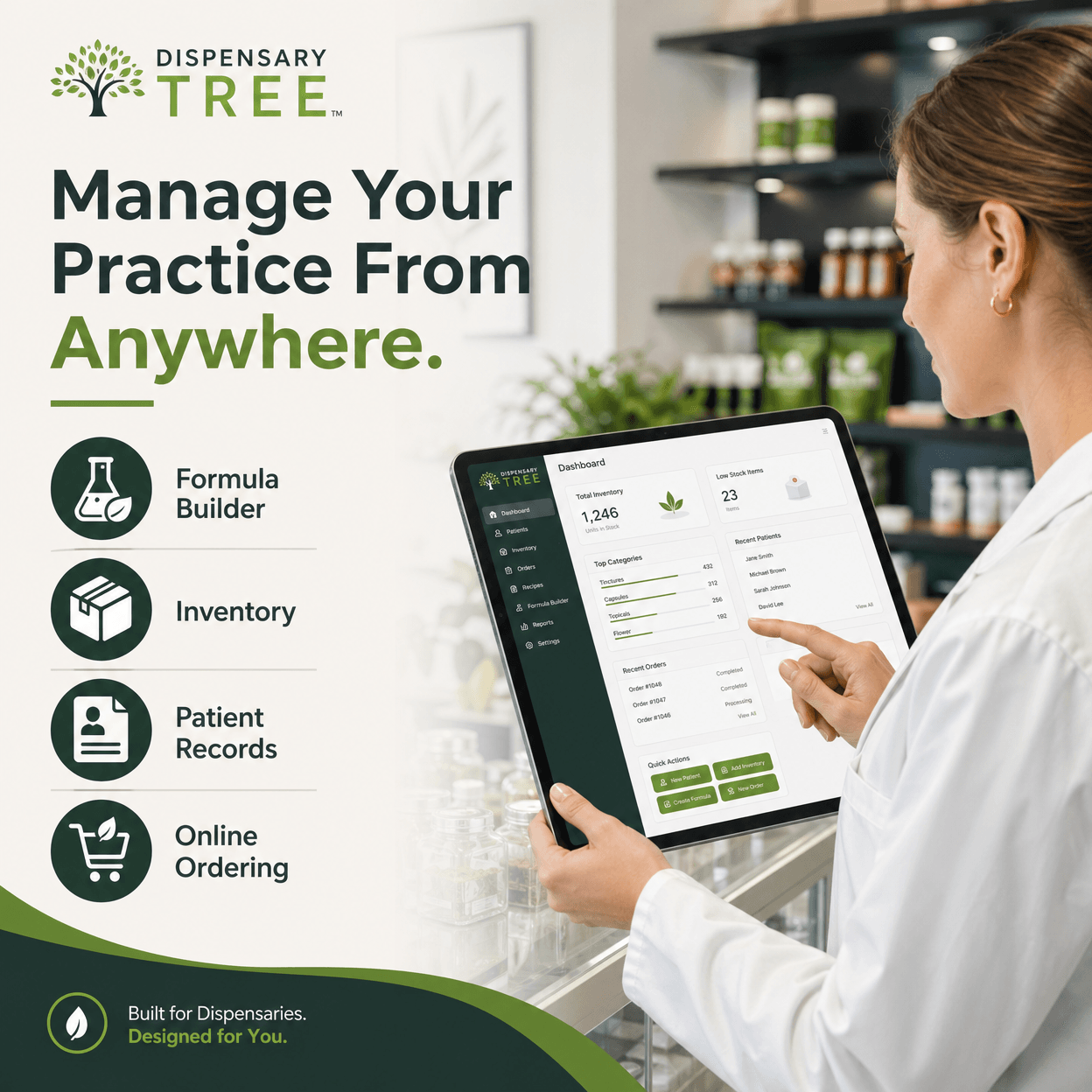
Manage Anywhere
1080 x 1080
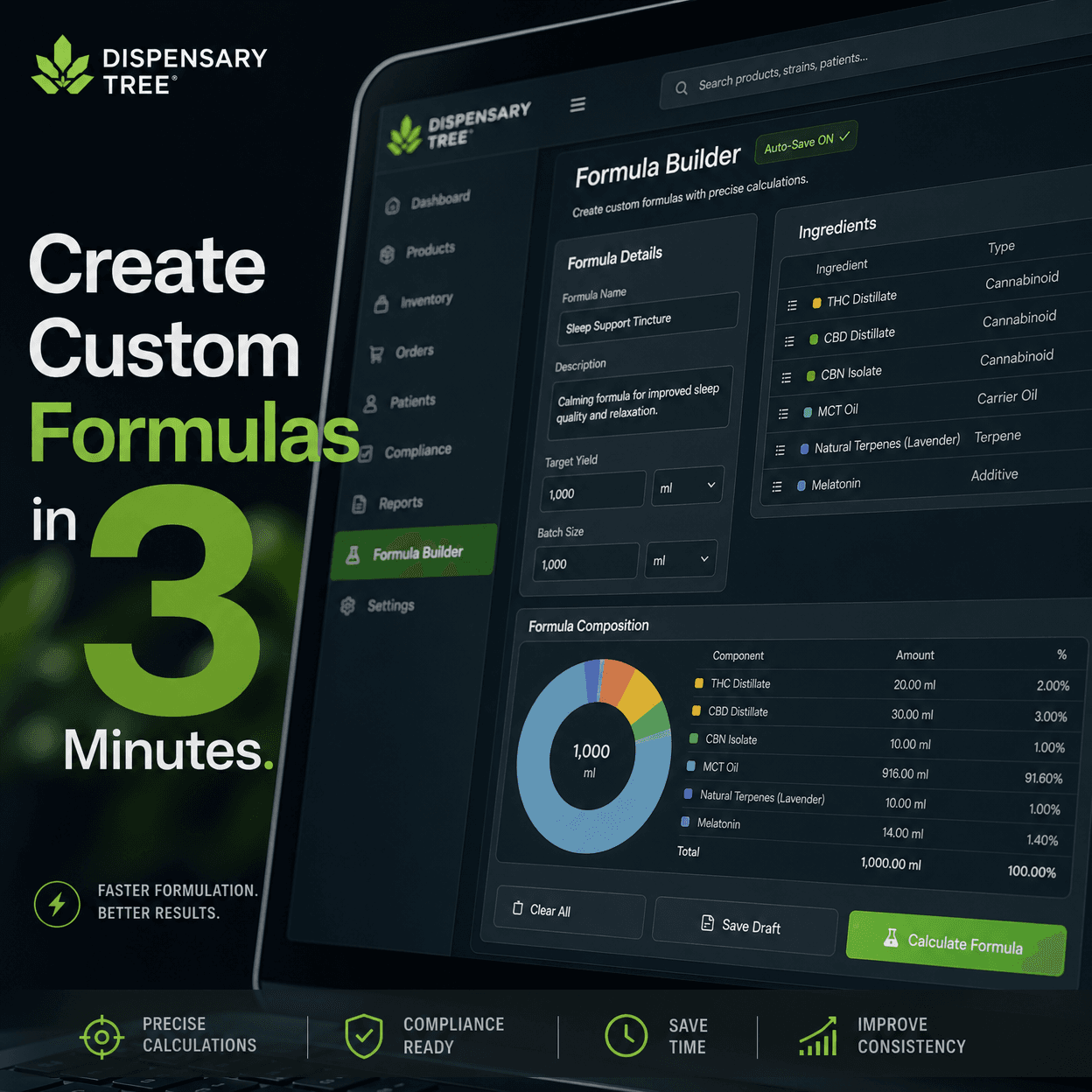
Formula Builder
1080 x 1080
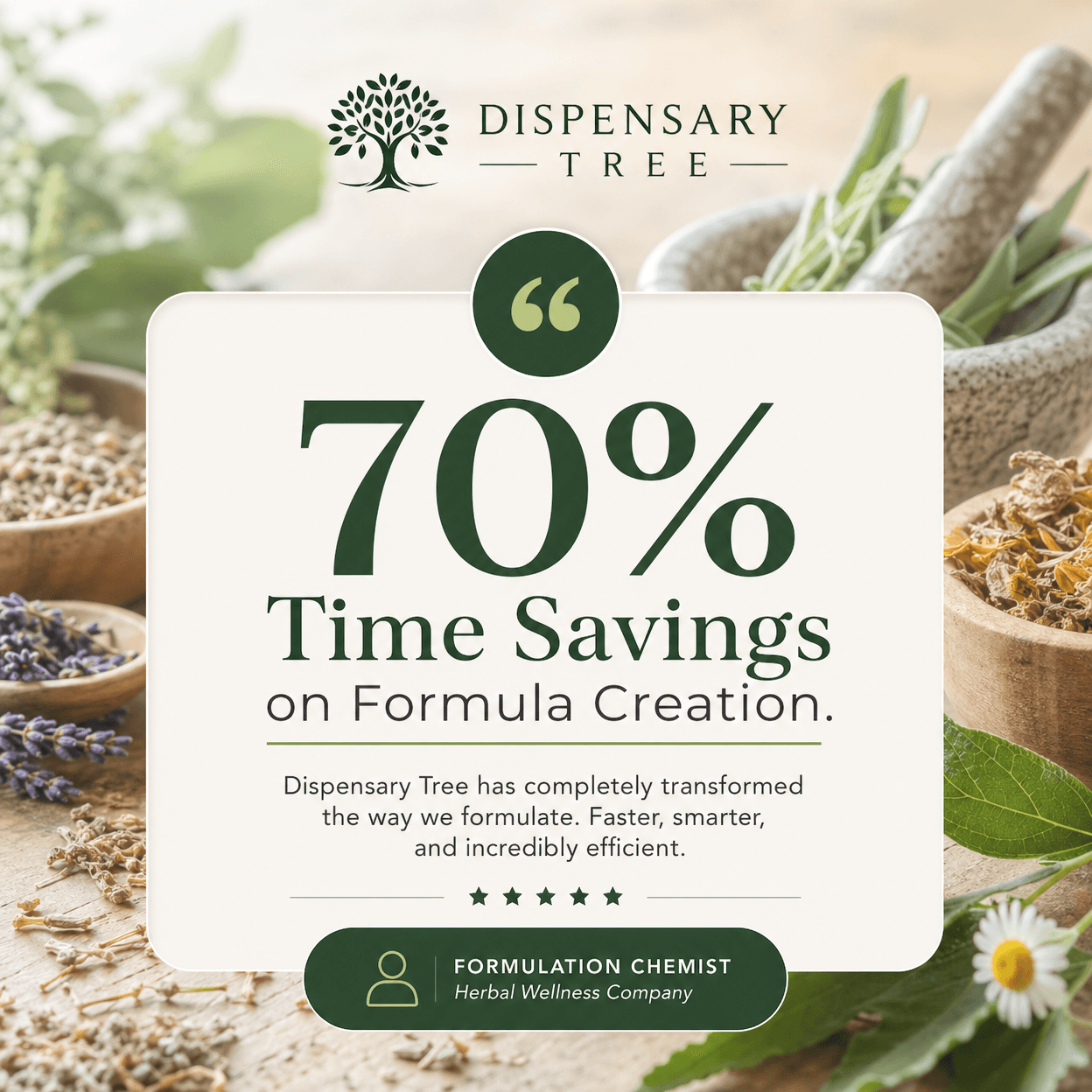
Testimonial
1080 x 1080
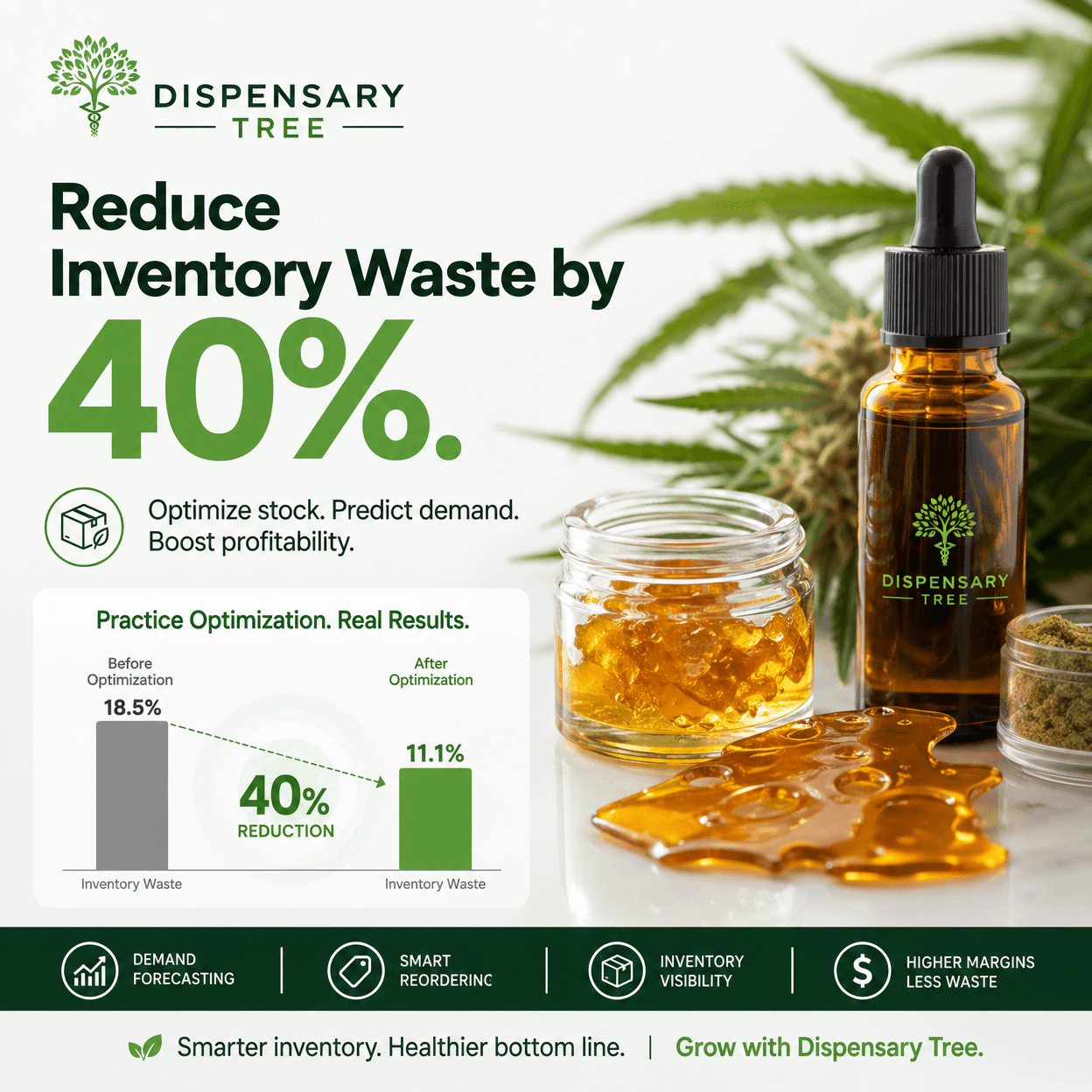
Waste Reduction
1080 x 1080
How to Use These Creatives
1
Choose Your Banner - Select the size and style that best fits your website layout.
2
Click "Copy HTML" - The HTML code will be copied to your clipboard.
3
Paste Into Your Website - Paste the code into your website's HTML editor or WordPress HTML widget.
4
Add Your Affiliate Link - Wrap the image in a link to your unique affiliate URL:
<a href="YOUR_AFFILIATE_LINK" target="_blank">
<img src="IMAGE_URL" alt="Dispensary Tree" style="width: 100%; max-width: 728px;" />
</a>
<img src="IMAGE_URL" alt="Dispensary Tree" style="width: 100%; max-width: 728px;" />
</a>
5
Publish and Monitor - Publish your page and track performance through your affiliate dashboard.
Pro Tips for Maximum Conversions
- Placement Matters: Place banners above the fold for better visibility.
- Contextual Content: Use banners on pages related to herbal practices and dispensary management.
- Mobile Optimization: Ensure your website is mobile-friendly.
- Disclosure: Always disclose your affiliate relationship to your audience.
- A/B Testing: Try different banner sizes and placements to find what works best.
- Regular Updates: Rotate banners periodically to prevent banner blindness.